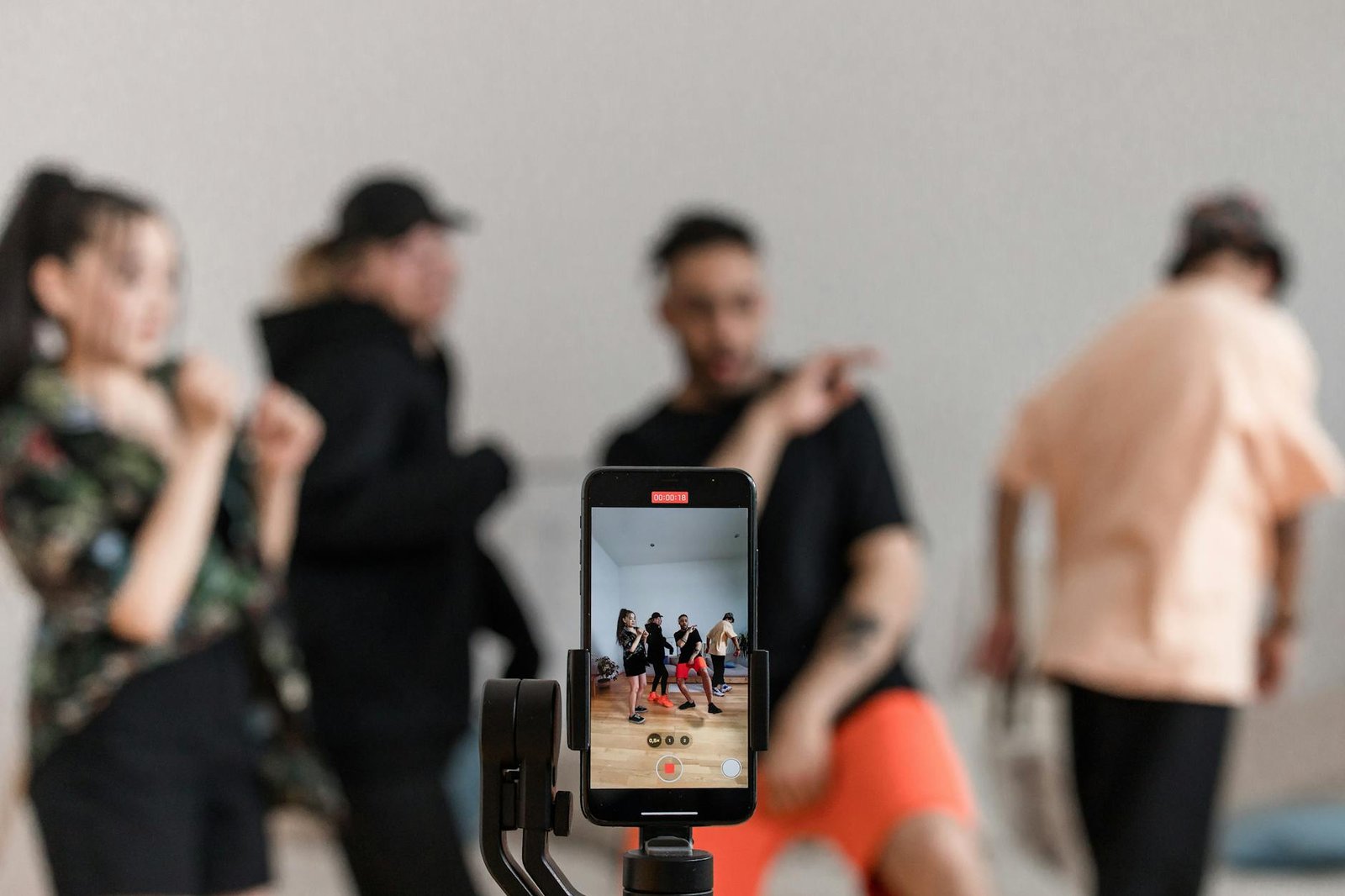
Dance learning on a phone presents a specific challenge: the screen is small, you’re typically using it in the same space you’re dancing (so you have to keep glancing at it), and most dance content was shot for a larger screen. The best dance apps solve these problems thoughtfully. Others just wrap YouTube content in a paywall.
Steezy Studio App (iOS and Android)
Best for: Hip-hop, K-pop, street dance
The mobile app matches the web platform in quality — a genuine achievement. The slow-motion playback works smoothly on both iOS and Android, the library is fully accessible, and downloading classes for offline use is available. Navigation is clear and the class structure is well-organized. One of the better-designed mobile dance apps available.
Price: ~$20/month (same as web subscription)
CLI Studios App (iOS and Android)
Best for: All styles, live class access
Functional access to the full CLI library and live class schedule. The app does the job but lacks polish — navigation can be clunky and there’s no in-app slow-motion. Best used to access live classes and pre-planned on-demand sequences rather than discovery browsing.
Price: Included with CLI Studios subscription (~$30/month)
DancePlug (iOS and Android)
Best for: Variety-seekers, supplementary learning
DancePlug aggregates videos from a wide range of styles and instructors. The app is more of a curated content library than a structured learning platform — good for inspiration and discovering new styles, less good for systematic skill development.
Price: Free tier with ads; premium ~$9/month
LearnToDance.com (iOS and Android)
Best for: Ballroom and Latin beginners
One of the stronger dedicated ballroom and Latin apps. Structured lessons in waltz, tango, foxtrot, salsa, and cha-cha with progressive difficulty levels. Not visually flashy, but the instruction is sound and the content is organized around actual learning progressions.
Price: ~$12/month
Dance Fit Studio (iOS and Android)
Best for: Fitness-focused dancing, cardio
For users whose primary goal is fitness rather than technical dance training, Dance Fit Studio offers Zumba-adjacent classes and dance cardio in a well-designed app. Not a dance technique platform, but excellent for active dance-inspired exercise.
Price: ~$8/month
YouTube (Free)
Still the most versatile option for beginners exploring styles before committing to a paid app. The recommendation algorithm is inconsistent, but once you’ve identified the channels worth following (Kathryn Morgan for ballet, 1MILLION for hip-hop, Salsa Kings for Latin), creating a playlist for systematic learning is free and effective.
Tips for Using Dance Apps Effectively
- Position your phone at full body height — prop it on a box, chair, or phone stand rather than placing it on the floor or a table. You need to see your whole body in the same frame as the instructor.
- Download for offline use where available — streaming while you dance burns data and creates buffering frustration
- Use earbuds or a small speaker — phone speakers pointed at the floor give poor audio quality for following music
- Mirror mode — many apps offer a “mirror mode” where left and right are flipped. This makes following along significantly easier for most learners.